

Small businesses face the same cybersecurity threats as large enterprises but with a fraction of the budget, staff, and technical expertise. According to the IBM 2024 Cost of a Data Breach Report, the average data breach costs $4.88 million globally. For a small business, that number can be existential.
Regular IT audits are the most effective way to identify vulnerabilities before attackers exploit them. But most small business audit guides are written for enterprises with dedicated security teams. This checklist is written for organizations with 10 to 200 employees, limited IT staff, and budgets that require every dollar to count.
1. Asset Inventory
You cannot protect what you do not know you have. Start by creating a complete inventory of every IT asset your business owns or uses: servers, workstations, laptops, mobile devices, printers, network equipment, cloud subscriptions, and software licenses.
Include assets owned by employees if they are used for work (personal laptops, phones). Note the location, owner, operating system, and last update date for each asset. This inventory becomes the foundation for every other audit category.
Update this inventory quarterly. Assets that disappear from the list without explanation are a red flag that deserves investigation.
2. Network Security
Review your network architecture. Verify that your firewall rules are current and that unused ports are closed. Test your intrusion detection or prevention system (IDS/IPS) if you have one. If you do not, evaluate whether your risk profile justifies the investment.
Check network segmentation. Your guest Wi-Fi network should be isolated from your internal network. Point-of-sale systems, if applicable, should be on their own segment. Any IoT devices (security cameras, smart thermostats, connected printers) should be segmented from systems that store sensitive data.
If your team uses a VPN for remote access, verify that it is configured correctly, that split tunneling is disabled (or intentionally enabled with compensating controls), and that VPN credentials are rotated regularly.
3. Endpoint Protection
Confirm that antivirus or endpoint detection and response (EDR) software is installed on every device that connects to your network. Verify that signatures and definitions are current. Check that real-time scanning is enabled and that scheduled full-system scans are running on all endpoints.
Review your patch management process. Operating system patches, application updates, and firmware updates should be applied within a defined window (ideally within 14 days of release for critical patches). Unpatched systems are the most common entry point for attackers.
4. Authentication and Access Controls
Enforce strong password policies: minimum 12 characters, complexity requirements, and no password reuse across systems. Implement multi-factor authentication (MFA) for all critical systems, including email, VPN, cloud applications, and financial platforms.
Review your user provisioning and de-provisioning process. When an employee leaves, how quickly is their access revoked? The answer should be hours, not days. Conduct quarterly access reviews to verify that current employees have only the access they need for their role.
Privileged accounts (administrator, root, service accounts) require extra scrutiny. Document who has privileged access, why, and when it was last reviewed. Use the principle of least privilege: no user should have more access than their role requires.
5. Data Protection and Encryption
Classify your data. Not all data carries the same risk. Customer PII, financial records, and trade secrets require stronger protections than general marketing materials.
Verify that sensitive data is encrypted at rest and in transit. For data at rest, full-disk encryption (BitLocker, FileVault) is the baseline. For data in transit, TLS 1.2 or higher should be the standard. If your business handles payment card data, verify PCI DSS compliance.
Evaluate your data loss prevention (DLP) measures. Can an employee email a customer database to a personal account? Can they upload sensitive files to an unapproved cloud service? If the answer is yes, you have a gap.
6. Backup and Disaster Recovery
Verify that automated backups are running on schedule and that backup data is encrypted. Test your restoration process at least quarterly. A backup that cannot be restored is not a backup.
Document your recovery time objective (RTO) and recovery point objective (RPO). RTO defines how quickly you need to be operational after a disaster. RPO defines how much data loss is acceptable. These numbers should drive your backup frequency and infrastructure investment.
Store backups in a separate location from your primary systems. If your office floods and your backup server is in the same room, both are gone. Cloud-based backup services or off-site storage provide geographic separation.
7. Software and License Compliance
Inventory all installed software and compare it against your license records. Unlicensed software creates legal liability. Unauthorized software creates security risk. Both should be remediated immediately.
Review your software supply chain. Where do you download software? Are you verifying checksums or digital signatures? Have any of your vendors experienced security incidents? Software supply chain attacks have become one of the fastest-growing threat categories.
8. Policies and Employee Training
Maintain written policies covering acceptable use, data classification, incident response, remote work, and BYOD (bring your own device). These policies should be reviewed annually and acknowledged by every employee.
Conduct security awareness training at least annually. Cover phishing identification, password hygiene, social engineering tactics, and safe browsing practices. Supplement formal training with periodic phishing simulations to test real-world readiness.
9. Third-Party Vendor Security
Your security is only as strong as your weakest vendor. Review the security practices of every third party that has access to your systems or data. Verify that contracts include security requirements, breach notification obligations, and audit rights.
Conduct regular vendor reassessments, especially after they experience a security incident or undergo a major change (acquisition, leadership turnover, infrastructure migration).
10. Compliance Documentation and Audit Trails
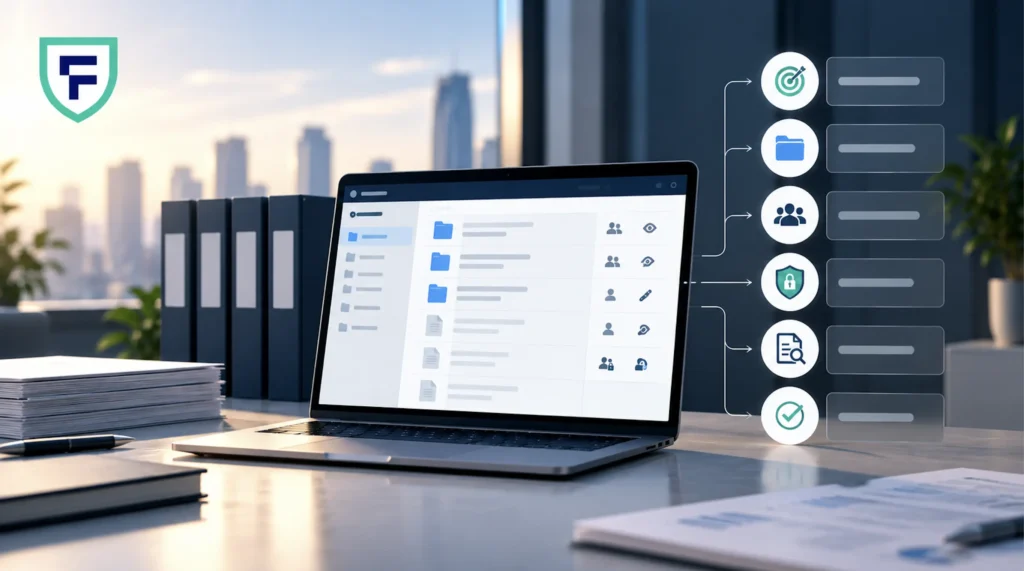
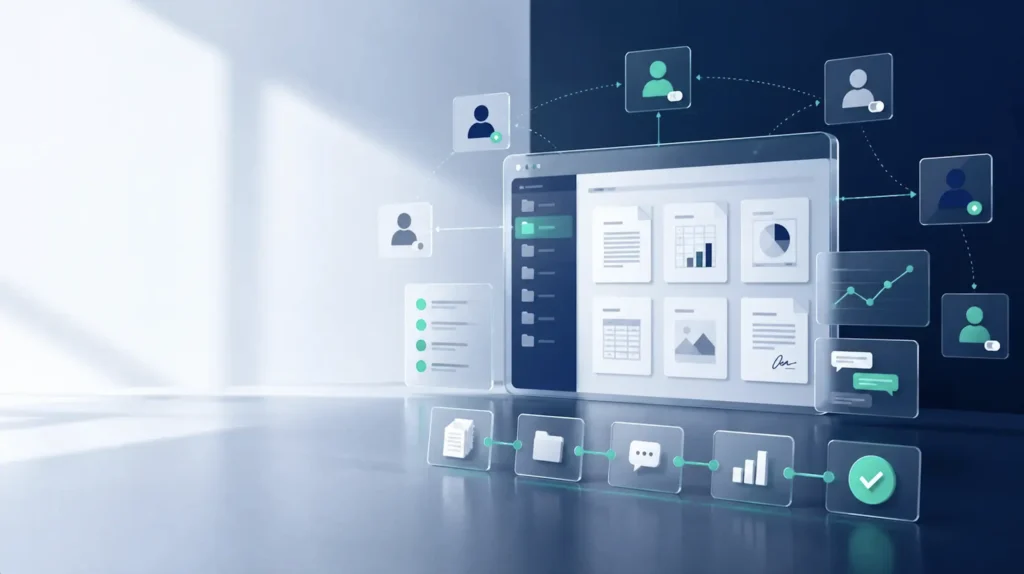
Organize all compliance documentation in a centralized, secure repository. This includes policies, training records, access reviews, vendor assessments, incident reports, and audit findings. When an auditor or regulator requests documentation, you should be able to produce it within hours, not days.
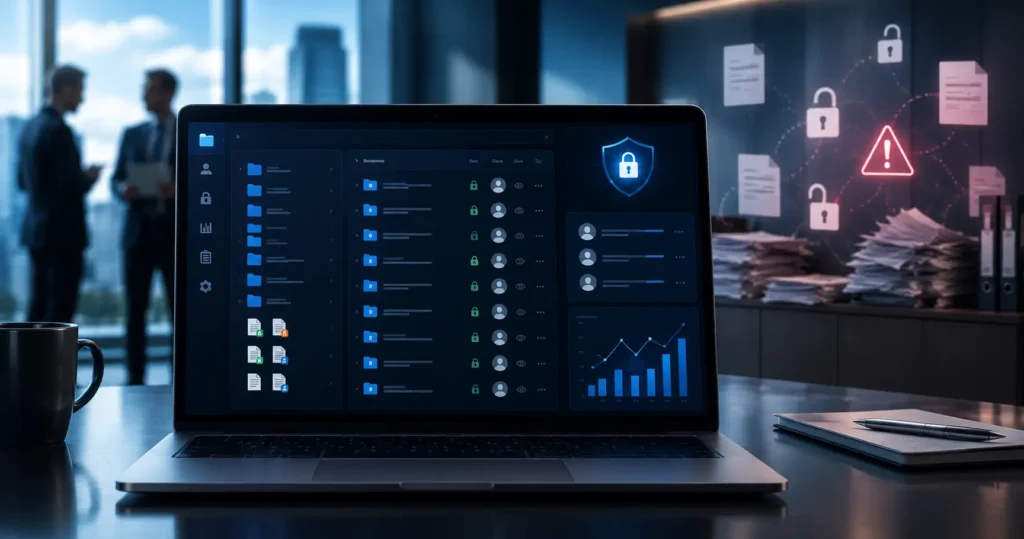
Virtual data rooms are well-suited for this purpose. They provide centralized storage with version control, granular access controls for different reviewers, detailed audit trails showing who accessed what and when, and the security certifications (SOC 2, ISO 27001) that auditors want to see in your infrastructure.
Platforms like FirmsData offer small businesses enterprise-grade audit trail capabilities, AES-256 encryption, and unlimited storage at accessible price points. The platform can serve as both your compliance document repository and your secure file sharing solution for transactions that require controlled access.
Building a Sustainable Audit Practice
The goal is not to pass one audit. It is to build a repeatable process that keeps your security posture current as threats evolve. Schedule quarterly mini-audits that cover the highest-risk categories (access controls, patching, backups). Conduct a comprehensive annual audit that covers all ten categories. And treat every security incident as an audit trigger: if something goes wrong, use it as an opportunity to verify that your controls are working as intended.
Small businesses do not need enterprise budgets to maintain strong security. They need systematic processes, the right tools, and the discipline to review and improve continuously.